Special · Ship your first app
First online app: put your app on the internet
Let Claude Code put the app you just built online with free GitHub and free Cloudflare. Claude does the work; you sign in and approve.
11 slides · October 4, 2026
-

GPT Image visual
01 StartThree things you need
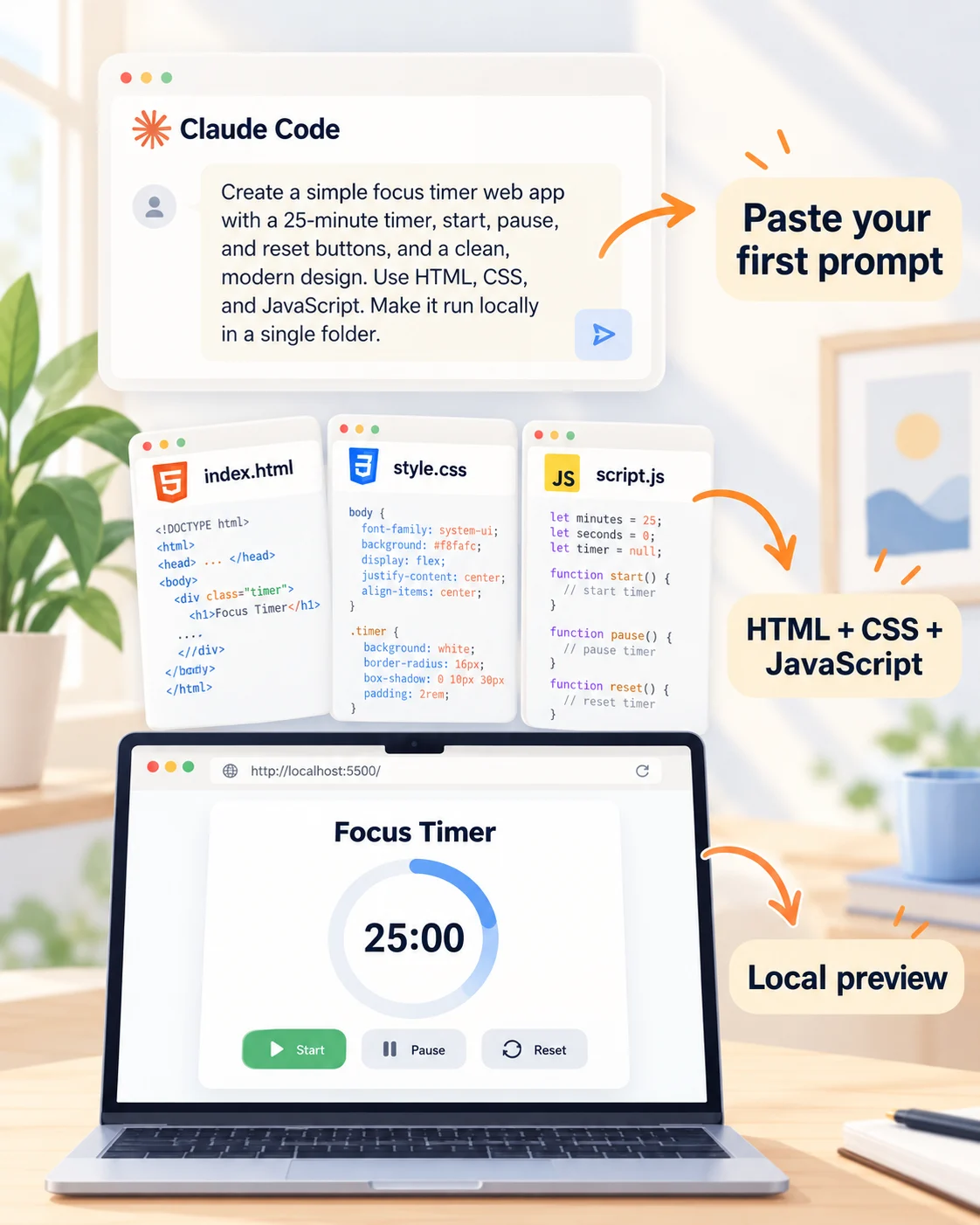
Claude Code, plus a free GitHub and a free Cloudflare account. No accounts yet? You create them along the way.
Claude Code desktop quickstart ↗ -
GPT Image visual
02 Paste in ClaudeNo local app yet?
Claude Code desktop quickstart ↗Paste into chat with Claude CodeBuild "What should we eat? Family edition". Show 30 meals. Family members heart what they want today. Sort by most hearts, show who voted, and reset nightly.
-

GPT Image visual
03 Paste in ClaudeMake it fun for the family
Claude Code desktop quickstart ↗Paste into chat with Claude CodeAdd Quick, Healthy, Comfort food and Surprise me, 30 family meals, Pick another, and hearts that save favorites in the browser.
-

GPT Image visual
04 Paste in ClaudeLet Claude put it on GitHub
GitHub CLI: gh repo create ↗Paste into chat with Claude CodePut this project on GitHub: create a private repository called my-first-app and push it. Install what you need and tell me when to sign in.
-

GPT Image visual
05 GitHubSign in or create your account
Claude installs what is missing and opens GitHub in your browser. Sign in, or create your free account right there, and approve. Claude does the rest.
GitHub CLI: gh auth login ↗ -
GPT Image visual
06 CloudflareCloudflare: two ways
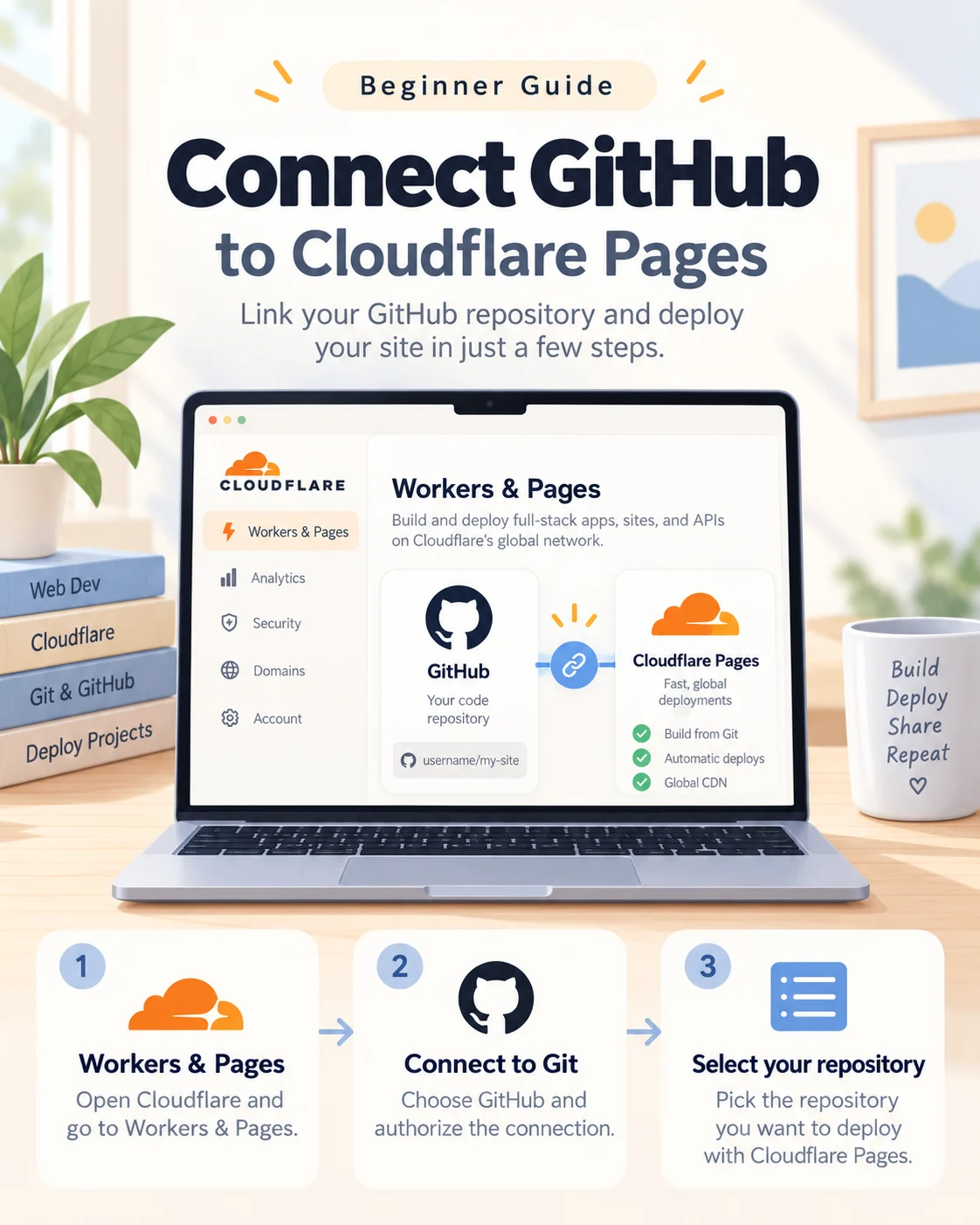
Create a free Cloudflare account, then let Claude connect it. Way 1: Claude clicks through Cloudflare in Chrome. Way 2: you give Claude an API token.
Cloudflare Pages Git integration ↗ -
GPT Image visual
07 Paste in ClaudeWay 1: Claude uses Chrome
Add the Claude in Chrome extension.
Use Claude Code with Chrome ↗Paste into chat with Claude CodeUse Chrome to connect my GitHub repository my-first-app to Cloudflare Pages. Stop when I must sign in or approve.
-

GPT Image visual
08 Paste in ClaudeWay 2: an API token
Cloudflare Pages with continuous integration ↗Paste into chat with Claude CodePublish this repository to Cloudflare Pages on every push with a GitHub Action. Tell me how to make the API token and store it as a GitHub secret.
-
GPT Image visual
09 Go liveYour site is live
Either way Cloudflare gives you a pages.dev address. Open it: your first site is online.
Cloudflare Pages Git integration ↗ -
GPT Image visual
10 Paste in ClaudeUpdates: just ask Claude
No uploading.
Cloudflare Pages Git integration ↗Paste into chat with Claude CodeAdd a dessert category and test it. Then commit and push to GitHub so Cloudflare publishes the new version.
-
GPT Image visual
11 DoneYou are online
Claude builds and pushes, GitHub keeps every version, Cloudflare publishes each push. You only describe what you want.
Cloudflare Pages Git integration ↗