AI-200 · 1.2.2 · Develop containerized solutions on Azure
KEDA scaling
Implement event-driven scaling by using Kubernetes Event‑driven Autoscaling (KEDA) in Container Apps
Use to turn HTTP, TCP, queue, and other event signals into replicas, including .
Scale from events
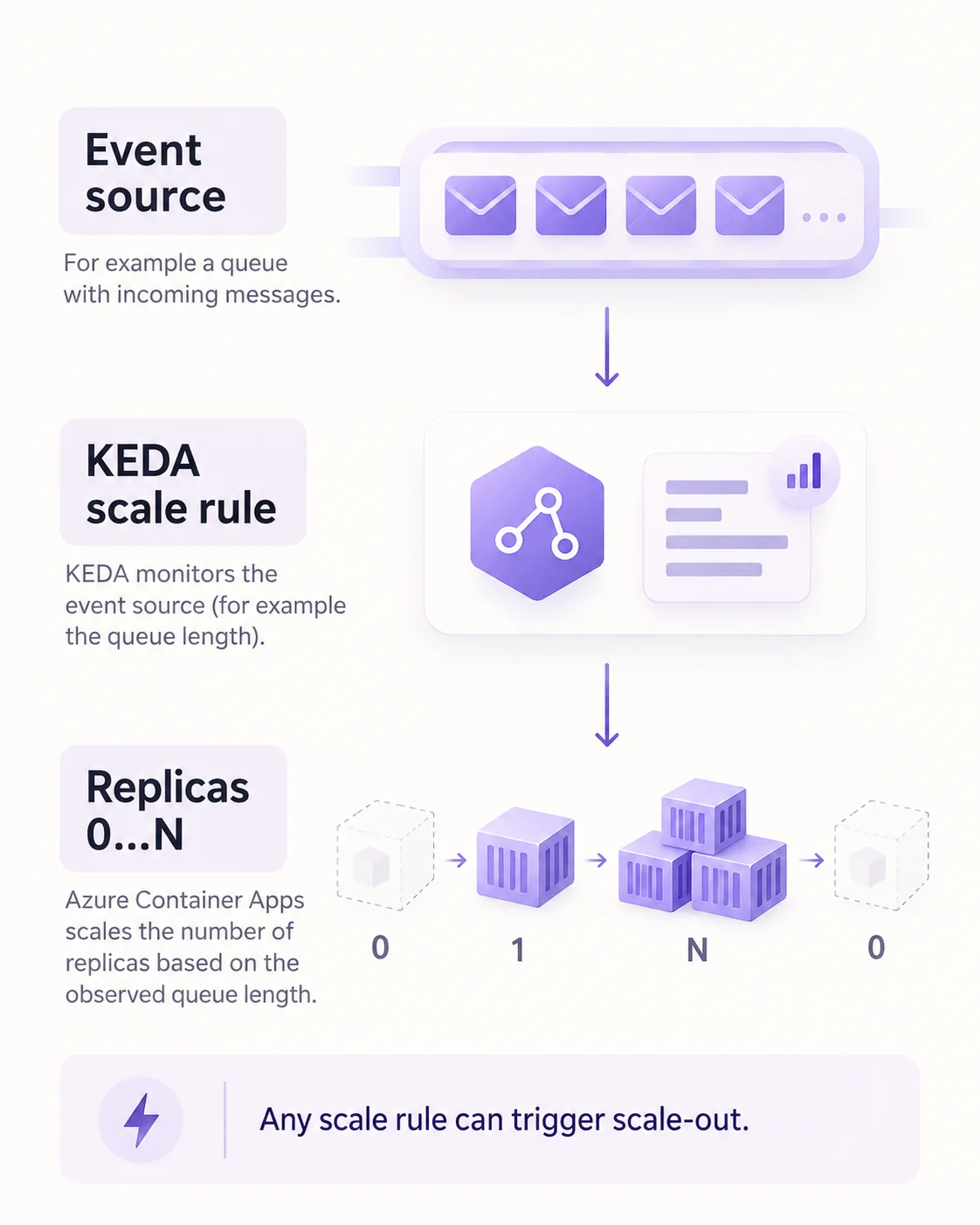
uses to turn event or metric signals into replica counts. HTTP and TCP rules are built in; custom rules map to such as length.
Configure the rule
az containerapp create --name invoice-worker --resource-group rg-shop \
  --environment env-shop --image shopreg.azurecr.io/shop/invoice-worker:b4821 \
  --min-replicas 0 --max-replicas 20 \
  --secrets "bus-conn=$BUS_CONNECTION" \
  --scale-rule-name invoice-queue --scale-rule-type azure-servicebus \
  --scale-rule-metadata "queueName=invoices" "namespace=shop-bus" "messageCount=5" \
  --scale-rule-auth "connection=bus-conn"
A worker with no ingress needs a custom rule or a positive minimum replica count. When several rules exist, any one of them can trigger scale-out.
Key points
- Replicas: default 0 to 10; minimum 1 keeps one always running
- Rule kinds: HTTP requests, TCP connections, custom any ScaledObject-based
- Authentication: container app secret or for Azure resources
- Several rules: scaling starts when any rule's condition is met
Click an underlined term for a one-line explanation, or see them all in the glossary .
Exam trap
With ingress off and no custom rule or minimum replicas, the default HTTP rule never fires; the app and stays there.
Sources · 1 Microsoft Learn page Show ▾
Checked on October 4, 2026. Report a problem
Go deeper on Microsoft Learn
Checked against Microsoft Learn on October 4, 2026. Report a problem with this card