AI-200 · 1.2.4 · Develop containerized solutions on Azure
Container troubleshooting
Monitor and troubleshoot solutions on AKS and Container Apps by inspecting logs, events, and end-to-end connectivity
Troubleshoot from the inside out: platform events, app logs, service endpoints, then ingress, DNS, and network connectivity.
Read the evidence in order
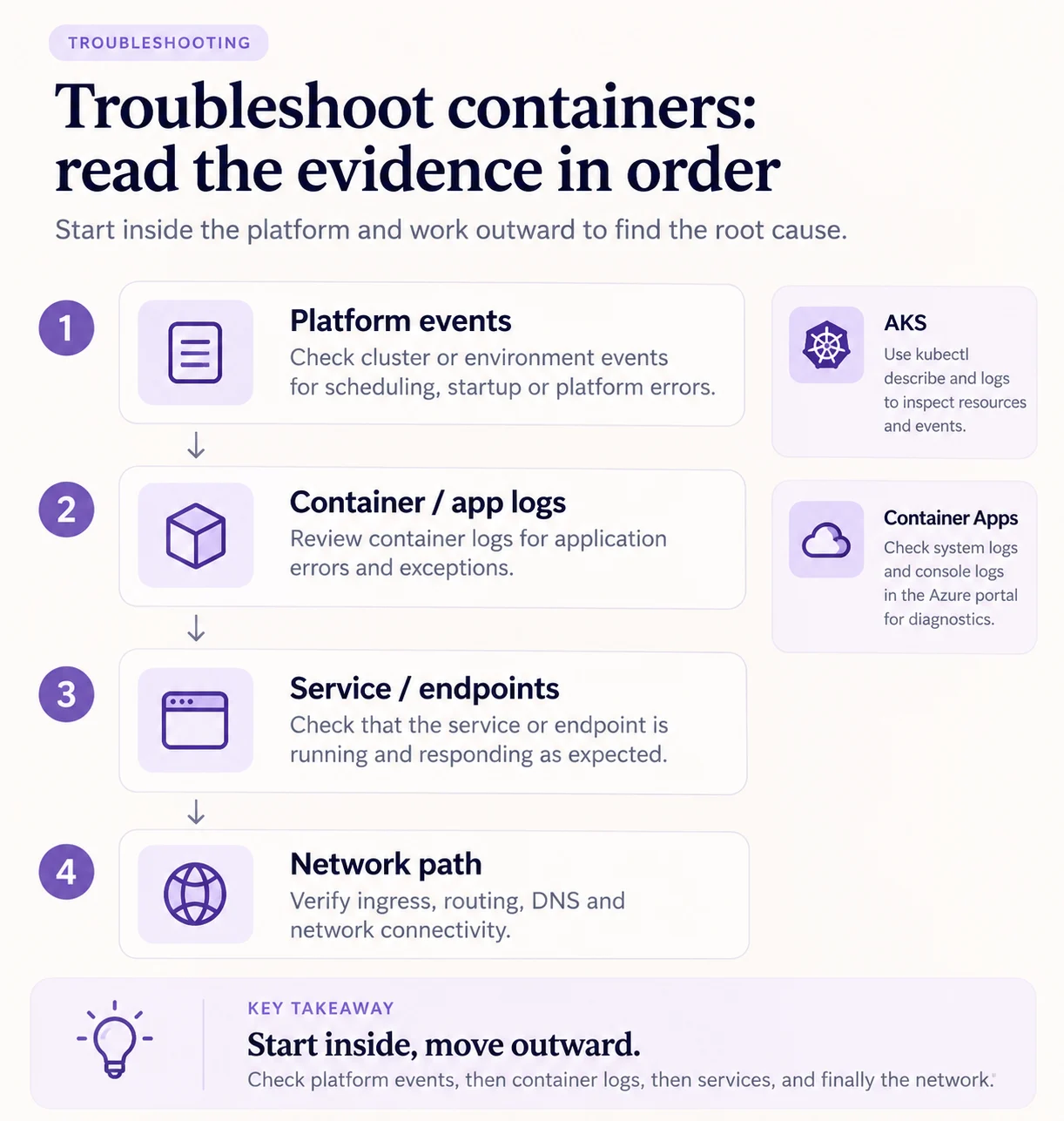
Start with platform evidence, then move outward. Events explain scheduling or startup failures. Container logs show what the application did. Service endpoints prove whether healthy replicas are reachable. Network checks isolate the final hop.
Useful commands
kubectl describe pod orders-api-7d9f
kubectl logs orders-api-7d9f --previous
az containerapp logs show --name orders-api --resource-group rg-shop --type system --follow
In , an empty Service endpoints list usually means the selector misses the labels or the is failing. In , compare with and confirm ingress target port matches the container.
Key points
- events: ` describe pod` shows why a pod does not start
- Crash output: `kubectl logs <pod> --previous` shows the crashed container's stdout
- : kept one hour; Container insights keeps them longer
- : hold app output, hold platform messages
Click an underlined term for a one-line explanation, or see them all in the glossary .
Exam trap
A Service can exist and reach nothing: endpoints stay empty if the selector misses the labels or pods fail their .
Sources · 3 Microsoft Learn pages Show ▾
- Troubleshoot app connection issues in an AKS cluster
- Use Kubernetes events for troubleshooting (AKS)
- Troubleshooting in Azure Container Apps
Checked on October 4, 2026. Report a problem
Go deeper on Microsoft Learn
- Troubleshoot app connection issues in an AKS cluster
- Use Kubernetes events for troubleshooting (AKS)
- Troubleshooting in Azure Container Apps
Checked against Microsoft Learn on October 4, 2026. Report a problem with this card