DP-600 · 3.1.6 · Implement and manage semantic models
Large semantic models
Identify use cases for and configure large semantic model storage format
Enable storage when a model must exceed the default size limit or benefit from faster write operations.
Scale beyond the default model size
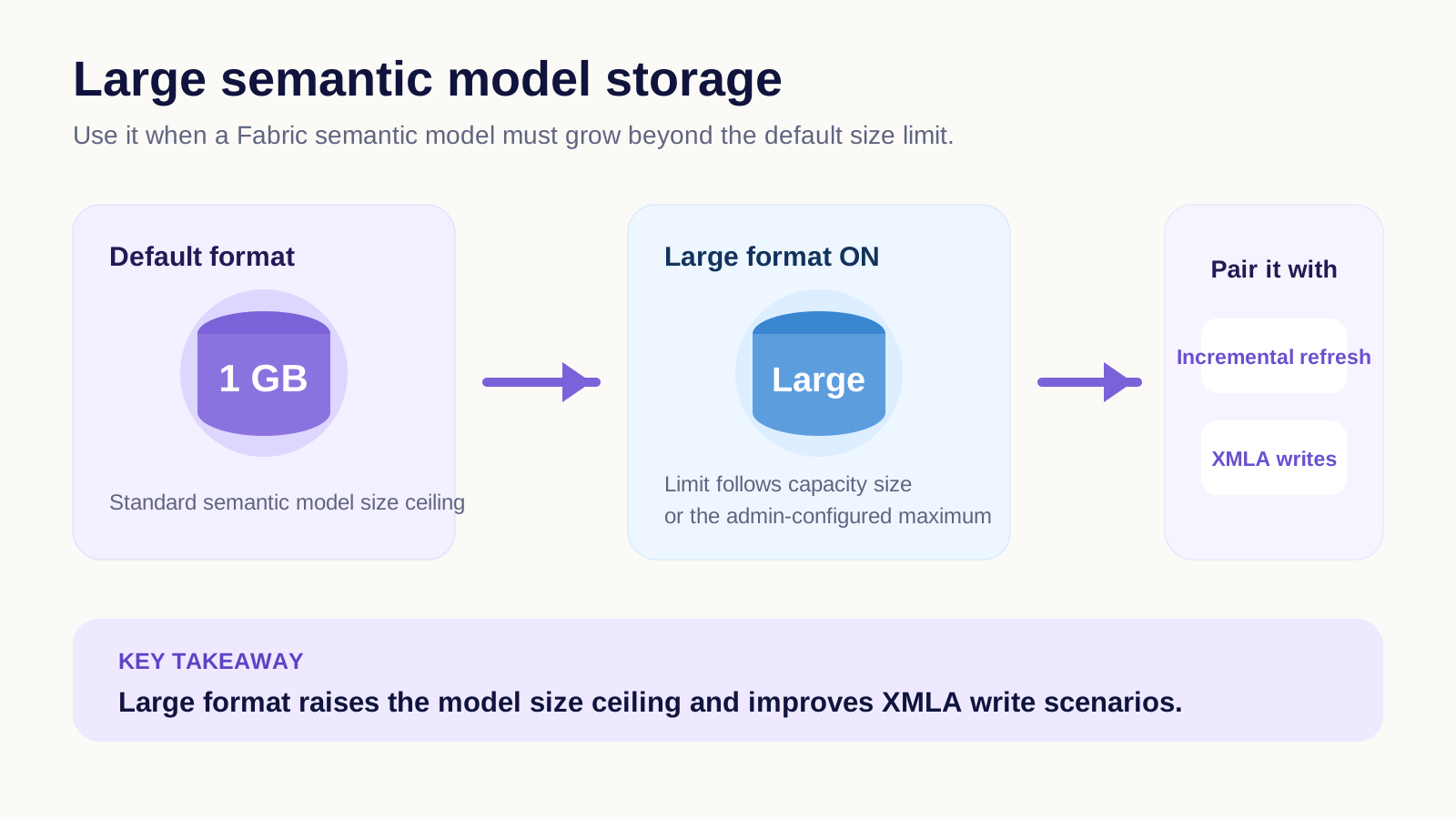
allows a model on supported Fabric or Premium capacity to grow beyond the default size limit.
It is also recommended for models changed through because it improves write performance. For very large tables, combine it with so each refresh does not reload the complete history.
Large models support , which can page only needed data back into memory after .
Key points
- Capacity: large format raises the model size ceiling
- : large format improves write operations
- Refresh: pair large models with
- : pages needed data into memory
Click an underlined term for a one-line explanation, or see them all in the glossary .
Exam trap
Expecting the setting to raise the upload limit of Power BI Desktop. That limit is unchanged, and the model grows in the service as it refreshes.
Sources · 1 Microsoft Learn page Show ▾
Checked on October 4, 2026. Report a problem
Go deeper on Microsoft Learn
Checked against Microsoft Learn on October 4, 2026. Report a problem with this card