DP-750 · 2.2.6 · Secure and govern Unity Catalog objects
Audit logging
Configure audit logging
Use audit data to investigate who performed actions, on which workspace or resource, and when.
Query audit evidence where engineers work
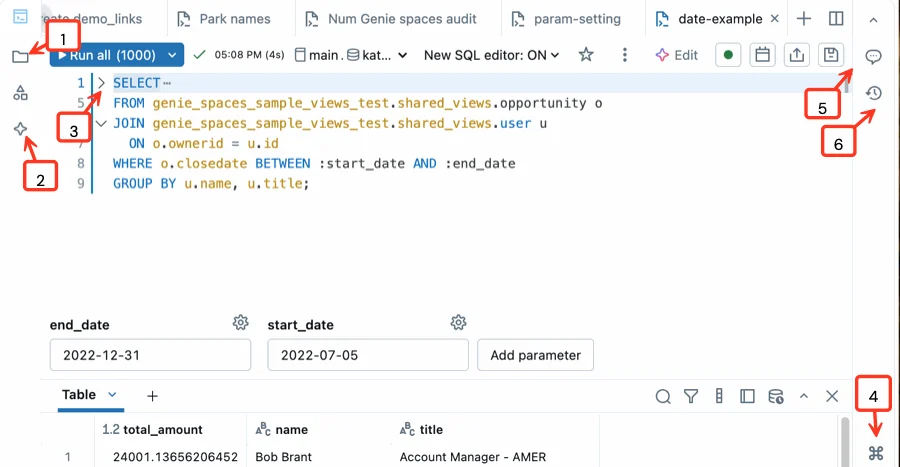
Audit data becomes useful when you can query it as structured evidence. The SQL editor is the practical surface for investigating audit records, while the diagrams below explain delivery, retention, and review flow.
Audit answers who did what
Audit
- Question
- Who acted and when?
- Focus
- Identity and activity
- Use
- Security investigation
Lineage
- Question
- What depends on what?
- Focus
- Data relationships
- Use
- Impact analysis
Use audit data for operational accountability and security investigations.
Query the system table
- 1system.access.auditStart with the system table
- 2event_dateLimit the time window
- 3user_identityFind the actor
- 4service and actionUnderstand what happened
Workspace ID, source IP, request context, service name, action, and timestamps help narrow the event.
Protect audit data
Audit records contain sensitive identity and operational metadata. Restrict access to the users and systems that genuinely need investigation or monitoring capability.
Key points
- Audit table: system.access.audit provides account activity records
- Identity: Events include the actor and request context
- Workspace: Workspace events can be filtered by workspace ID
- Security: Restrict audit data because it exposes sensitive activity metadata
Exam trap
Audit logs show actions and context; they do not replace application data lineage.
Sources · 1 Microsoft Learn page Show ▾
Checked on October 4, 2026. Report a problem
Go deeper on Microsoft Learn
Checked against Microsoft Learn on October 4, 2026. Report a problem with this card