DP-750 · 4.4.2 · Deploy and maintain data pipelines and workloads
Repair Lakeflow Jobs
Troubleshoot and repair issues in Lakeflow Jobs, including repair, restart, stop, and run functions
Inspect failed task context, repair only unsuccessful dependencies when appropriate, and use restart, stop, or run based on desired lifecycle behavior.
Start from the failed task
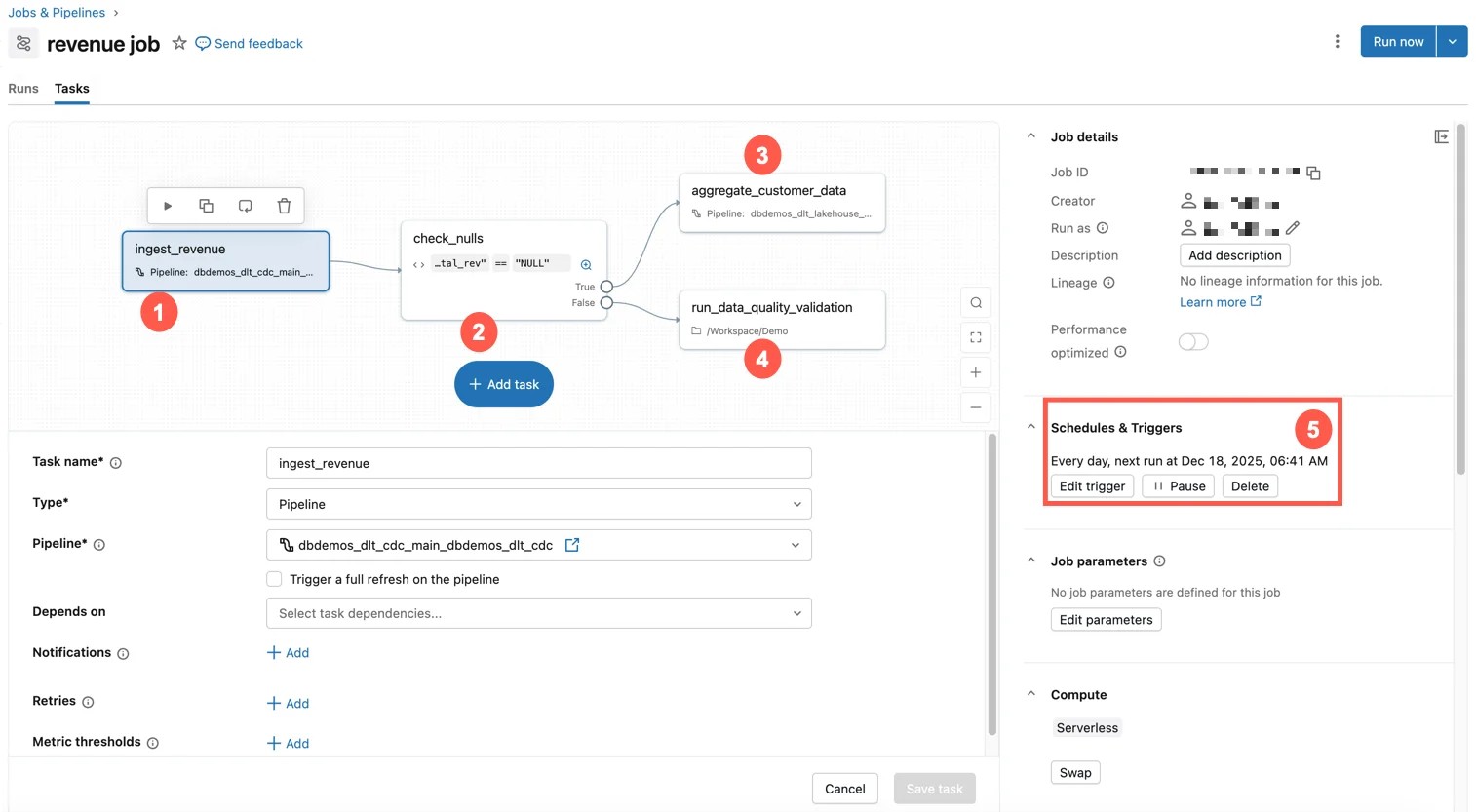
The job graph shows where a failure occurred and which downstream tasks depended on it. Inspect the failed task context before choosing a recovery action.
Choose the recovery action
- Some tasks succeeded and later tasks failedRepair run
- Active run should stopStop
- Start a completely new runRun now
- Continuous job should restart its cycleRestart run
Repair preserves useful upstream work while rerunning unsuccessful tasks and required dependents.
Make repairs safe
- 1Inspect failureFind root cause
- 2Fix configuration or codeRemove the cause
- 3Check task writesEnsure rerun is idempotent
- 4RepairRe-execute failed path
A repaired task starts again from the beginning, so partial append-style writes can duplicate data.
Key points
- Repair run: Re-executes failed and dependent tasks from a prior run
- Restart run: Restarts a continuous job's active execution cycle
- Stop: Cancels an active run
- Run now: Starts a new independent job run
Exam trap
Do not rerun successful expensive upstream tasks when a repair can reuse their completed state.
Sources · 1 Microsoft Learn page Show ▾
Checked on October 4, 2026. Report a problem
Go deeper on Microsoft Learn
Checked against Microsoft Learn on October 4, 2026. Report a problem with this card