DP-750 · 1.2.3 · Set up and configure an Azure Databricks environment
Create a schema
Create a schema based on requirements
Use schemas to group related objects inside a catalog and apply storage, ownership, and permissions at that level.
Understand the second namespace level
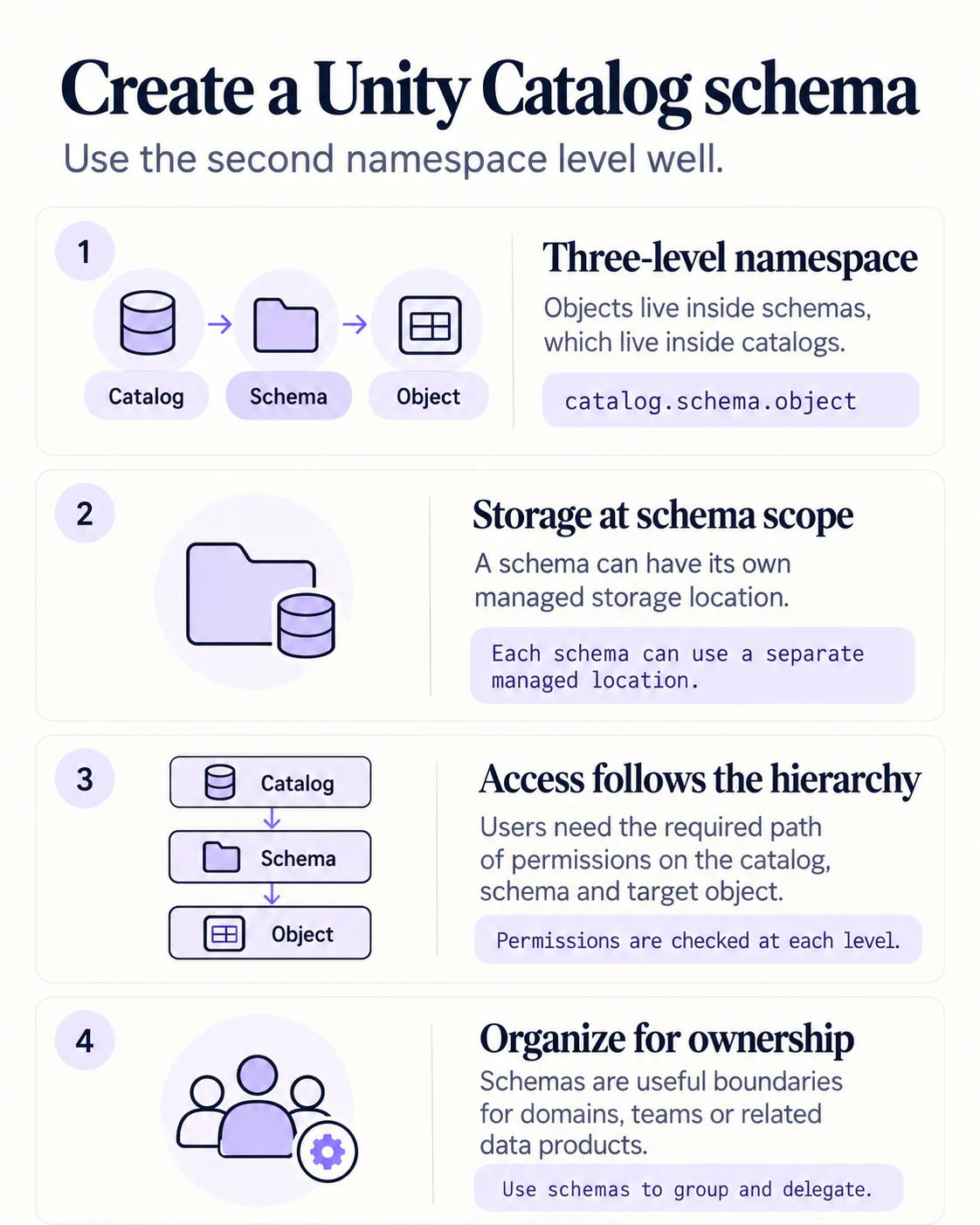
A schema sits inside a catalog and groups related governed objects. It is often the right boundary for a domain, team or product area.
See where schemas sit
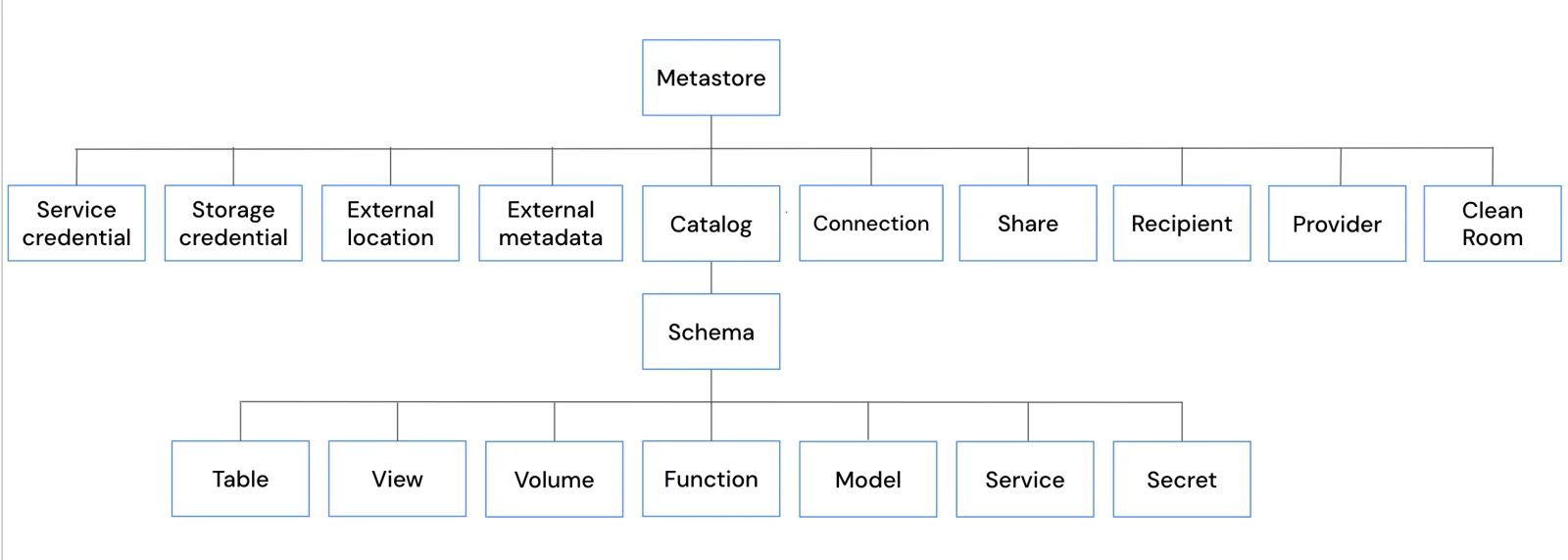
Tables, views, volumes, functions, models and services all live below a schema. That makes catalog.schema.object the normal object path.
Storage and access
- Team or domain owns related objectsDedicated schema
- Schema needs separate managed storageSchema managed location
- Users need objects in the schemaGrant the required catalog and schema path
Think of the schema as both an organization boundary and part of the permission path.
Key points
- Parent: Every schema belongs to a catalog
- Objects: Tables, views, volumes, functions, and models can live inside
- Managed storage: Can be set at schema scope
- Permissions: Grant schema access after creation
Exam trap
A schema does not bypass the need for USE CATALOG on its parent catalog.
Go deeper on Microsoft Learn
Checked against Microsoft Learn on October 4, 2026. Report a problem with this card