DP-750 · 3.4.2 · Prepare and process data
Data type checks
Implement data type checks
Validate and cast incoming values to the target schema, handling unsafe conversions as quality failures instead of silent assumptions.
Inspect types before enforcing them
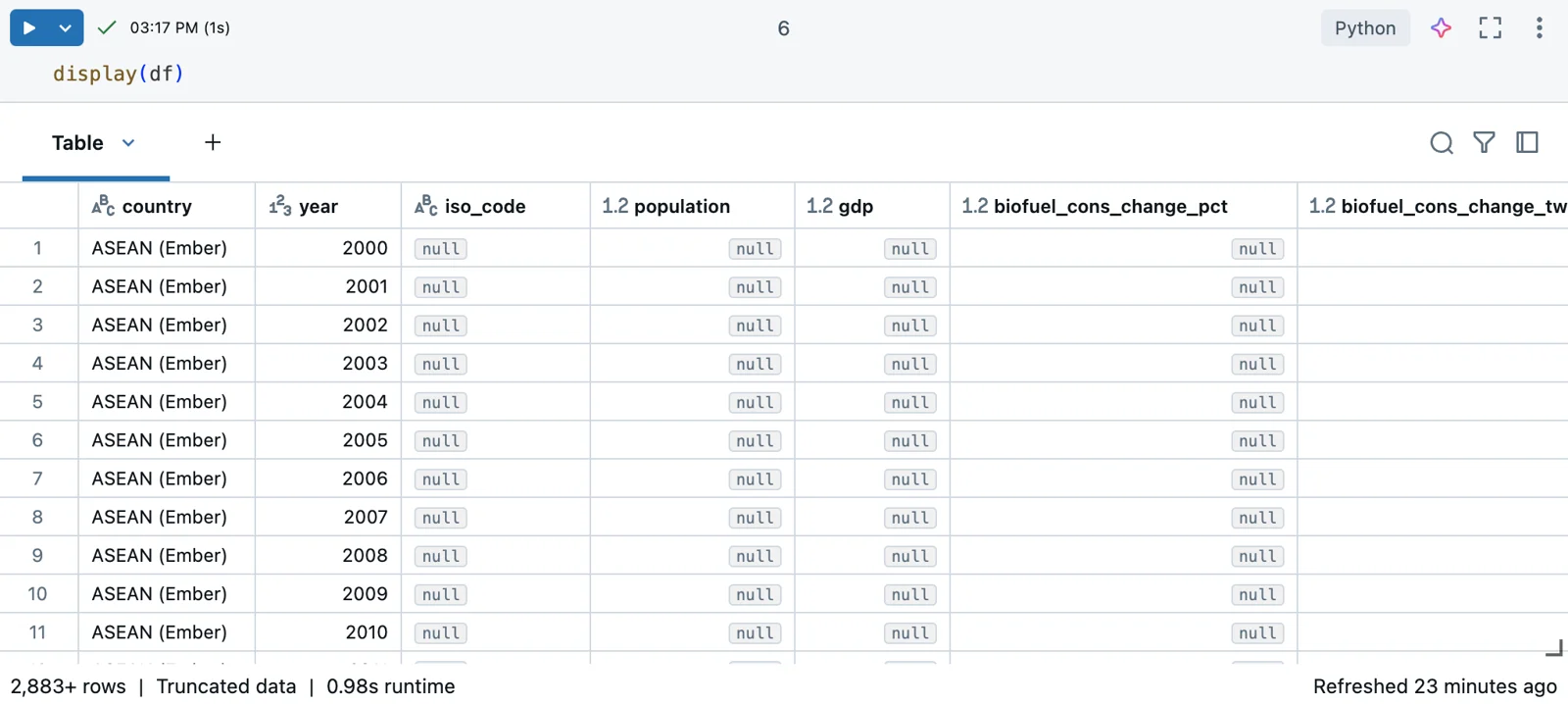
Type checks start with knowing what the engine actually inferred. The notebook output exposes those types beside the data; the diagrams below show how to validate and reject incompatible values.
Treat types as a data contract
- 1Raw valueArrives from source
- 2Parse or castConvert to target type
- 3ValidateDetect unsafe conversion
- 4RemediateKeep, quarantine, drop, or fail
Dates, timestamps, numeric measures, and keys benefit from explicit type checks before loading.
Do not hide failed conversions
- Conversion is validKeep typed value
- Source is malformed but recoverableQuarantine or correct
- Bad value breaks the contractFail or reject
A malformed date is a quality problem, not a reason to silently accept a bad value.
Schema enforcement is another layer
Delta protects the target from incompatible writes, but it does not replace deliberate source validation.
Key points
- Target schema: Defines expected column types
- Safe cast: Converts values only when semantics allow
- Invalid input: Detect malformed values before loading
- Delta write: Enforces compatible target types
Exam trap
Automatic safe casts do not justify ignoring malformed source values.
Sources · 2 Microsoft Learn pages Show ▾
Checked on October 4, 2026. Report a problem
Go deeper on Microsoft Learn
Checked against Microsoft Learn on October 4, 2026. Report a problem with this card