DP-750 · 4.4.4 · Deploy and maintain data pipelines and workloads
Diagnose Spark bottlenecks
Investigate and resolve caching, skewing, spilling, and shuffle issues by using a Directed Acyclic Graph (DAG), the Spark UI, and query profile
Read the DAG, Spark UI, and query profile to locate skewed tasks, spill, excessive shuffle, and ineffective caching.
Read the execution pattern
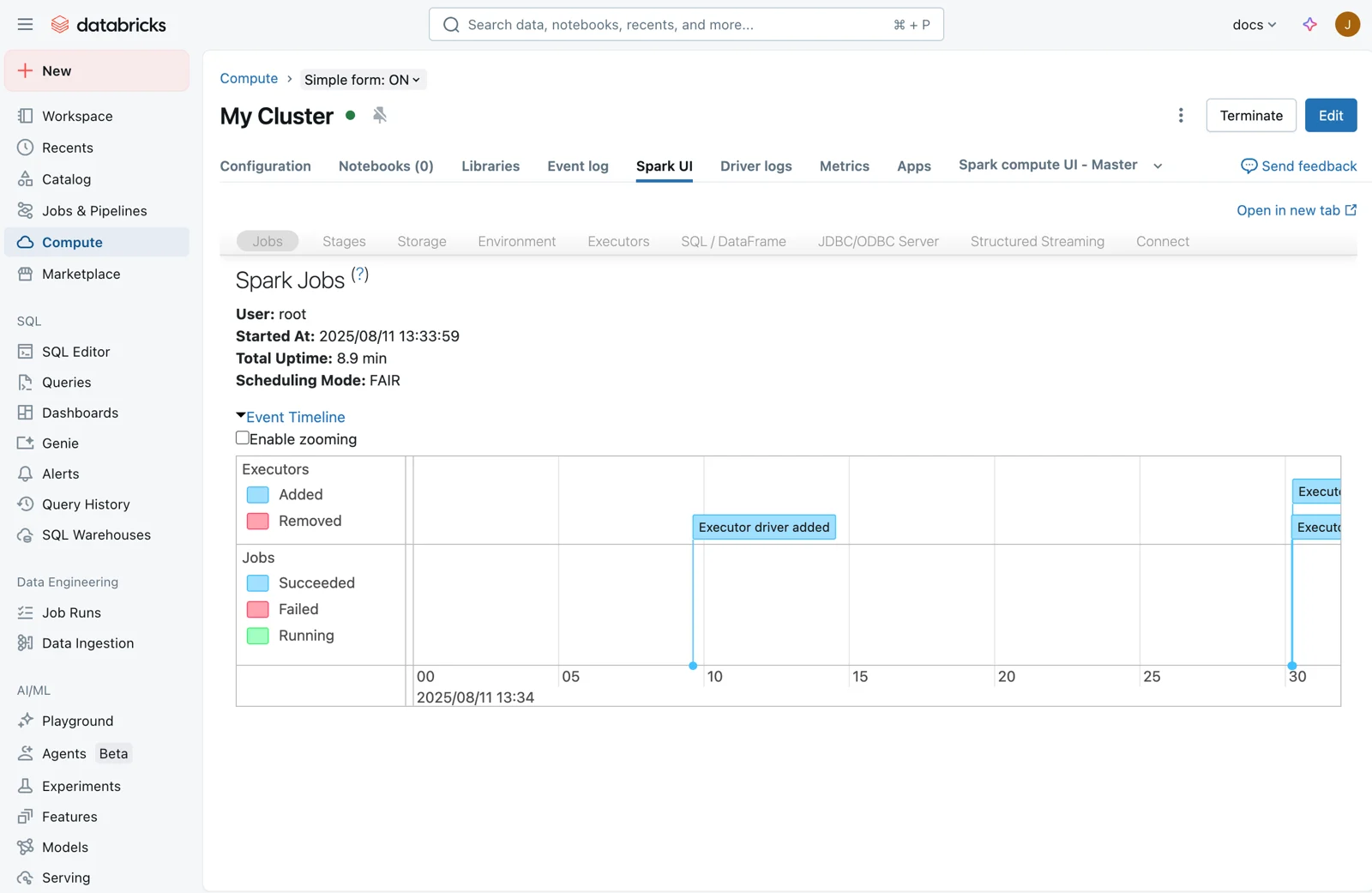
Spark UI exposes stages, tasks, executors, shuffle metrics, and spill. For SQL and serverless workloads, Query Profile provides an operator DAG with time, rows, and memory metrics.
Map symptom to bottleneck
- A few tasks are much slower than peersInvestigate data skew
- Intermediate data spills to diskInvestigate memory pressure
- Shuffle read and write are largeInvestigate redistribution and joins
- Expensive data is recomputed repeatedlyEvaluate reuse or materialization
Skew means work is distributed unevenly. Spill means intermediate state exceeded available execution memory.
Cache only when reuse pays
- Expensive dataset is reused repeatedlyConsider persistence
- Dataset is read onceDo not cache
- Serverless reusable intermediate is expensivePrefer materializing to Delta
Caching is not a default performance fix.
Key points
- Skew: A few tasks run much longer or process far more data
- Spill: Memory pressure pushes intermediate data to disk
- Shuffle: Data redistributes across executors for joins and aggregations
- Cache: Helps reused data only when reuse justifies storage pressure
Exam trap
Do not cache by default. Databricks recommends moving away from DataFrame cache or persist on serverless compute and materializing expensive reusable intermediates to Delta instead.
Sources · 3 Microsoft Learn pages Show ▾
Checked on October 4, 2026. Report a problem
Go deeper on Microsoft Learn
Checked against Microsoft Learn on October 4, 2026. Report a problem with this card