PL-300 · 3.3.3 · Visualize and analyze the data
AI visuals
Use AI visuals
Choose AI visuals by task: drivers, decomposition, natural-language questions, or generated narrative summaries.
Key influencers ranks drivers
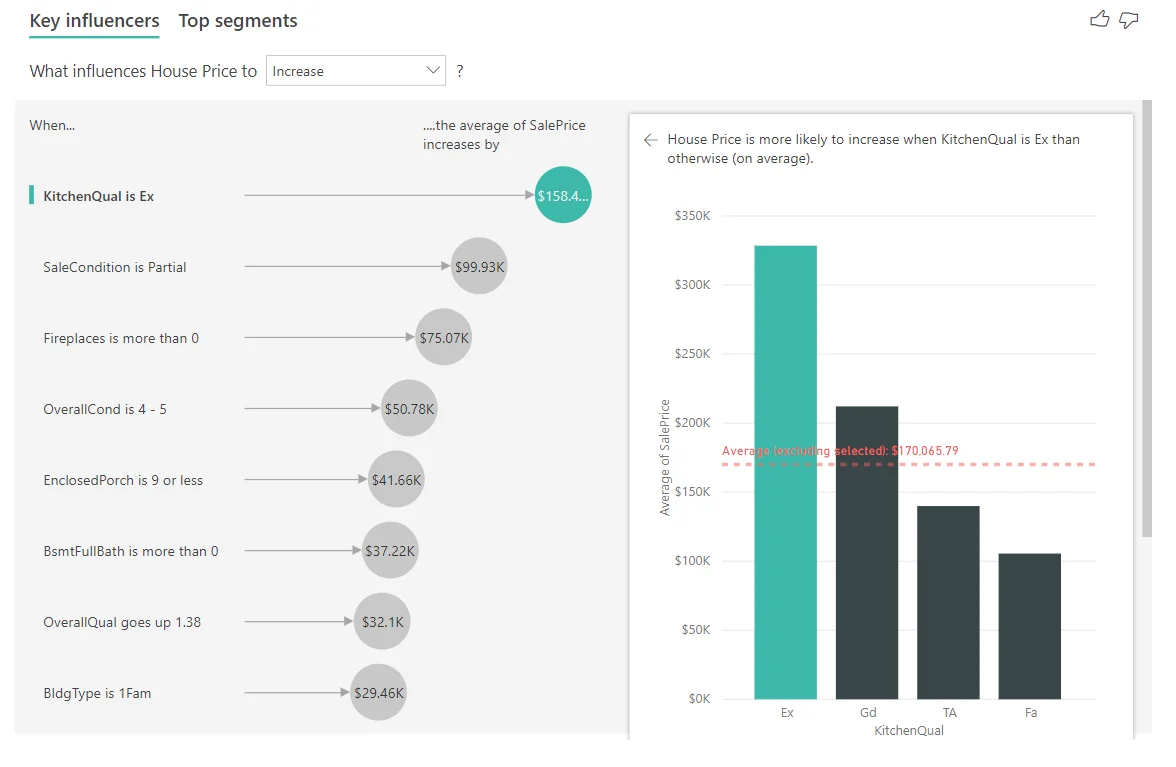
Use when the question is which factors are associated with a metric becoming higher, lower, or a particular category.
Decomposition tree explores contributors
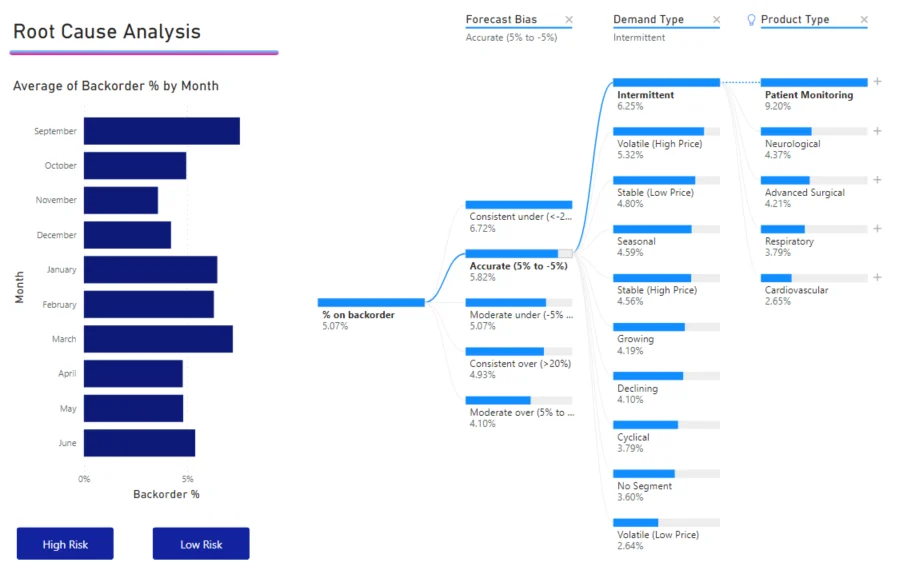
A lets readers choose the order of dimensions while breaking down a . can select the next dimension that leads toward a high or low result.
Match the AI experience to the question
| Need | Feature |
|---|---|
| Rank likely drivers | |
| Explore contributing dimensions | |
| Ask a natural-language data question | Q&A |
| Generate textual insight |
These tools solve different analytical tasks. “Use AI” is not enough information to choose between them.
Exam clue: identify the user's question first, then choose the AI visual.
Key points
- : identifies drivers of a metric
- : drills through contributing dimensions
- Q&A: answers natural-language data questions
- : generates textual insight summaries
Click an underlined term for a one-line explanation, or see them all in the glossary .
Exam trap
Match the visual to the analytical question instead of selecting an AI visual merely because analysis is requested.
Sources · 4 Microsoft Learn pages Show ▾
- Key influencers visualizations tutorial
- Create and view decomposition tree visuals in Power BI
- Create a Q&A visual in a report
- Create smart narrative summaries
Checked on October 4, 2026. Report a problem
Go deeper on Microsoft Learn
- Key influencers visualizations tutorial
- Create and view decomposition tree visuals in Power BI
- Create a Q&A visual in a report
- Create smart narrative summaries
Checked against Microsoft Learn on October 4, 2026. Report a problem with this card