PL-300 · 2.1.1 · Model the data
Table and column properties
Configure table and column properties
Table and column properties control display, sorting, categorization, and field behavior without changing stored data.
Properties shape model behavior
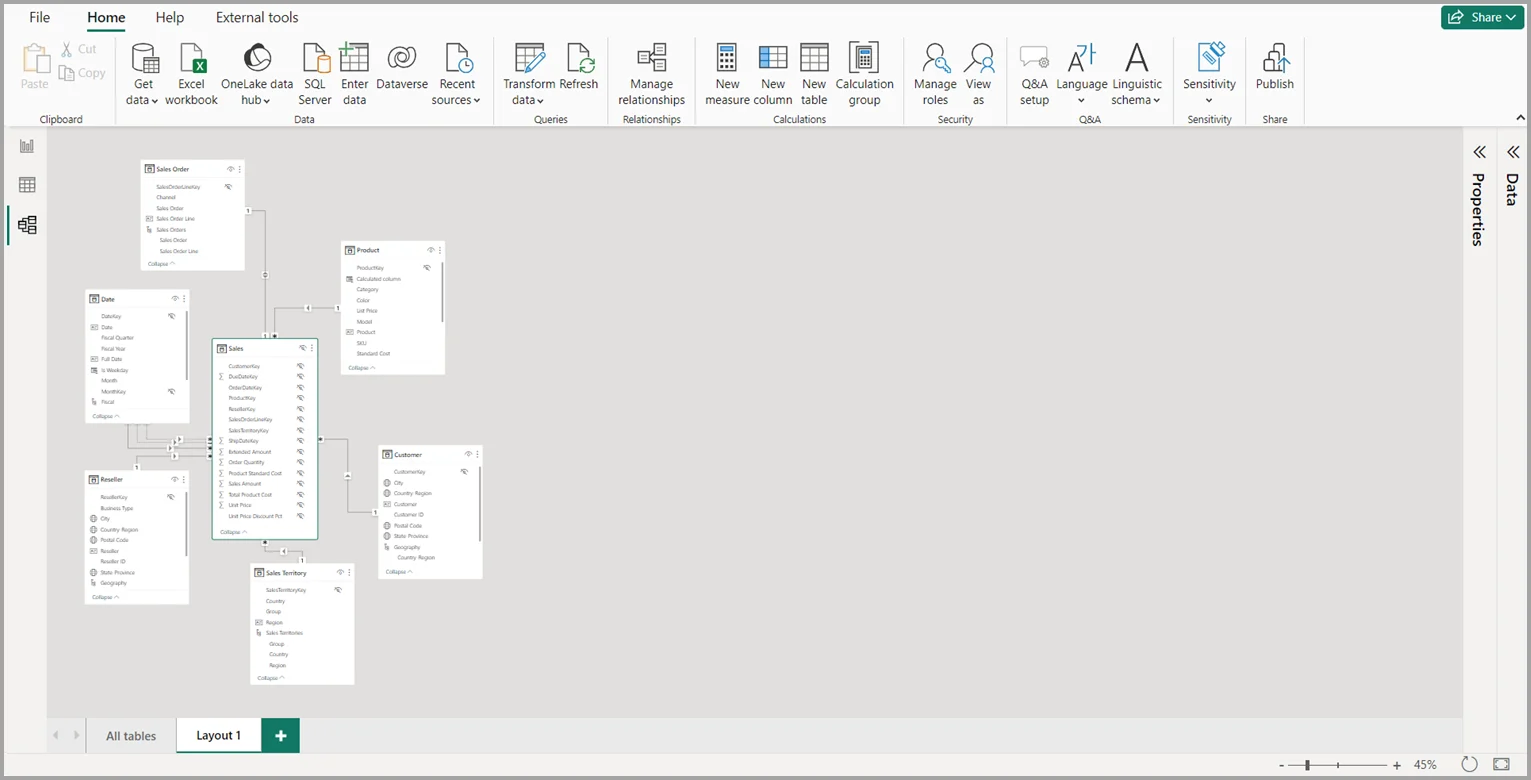
Model properties change how fields behave for report authors without changing source rows. Names, descriptions, hidden state, data categories, formats, and default summarization all belong to the .
Know which property solves which problem
| Need | Property |
|---|---|
| Month names in calendar order | |
| Stop automatic Sum on an ID | |
| Tell Power BI a field is a URL or geography | |
| Hide technical fields from authors | Hidden |
| Change display without changing storage | Format |
Hidden is an authoring convenience, not security. Users with model access can still query hidden fields.
Data type and format are different
controls storage and calculation behavior. Format controls presentation. A decimal can be displayed as currency without becoming a different data type.
Exam clue: behavior and presentation belong to model properties; data cleansing belongs in .
Key points
- Names and descriptions: improve model usability
- : controls storage and calculation behavior
- Format: changes display, not stored values
- : applies business-friendly ordering
Click an underlined term for a one-line explanation, or see them all in the glossary .
Exam trap
Formatting a number as currency changes presentation only; it does not change the underlying .
Sources · 2 Microsoft Learn pages Show ▾
Checked on October 4, 2026. Report a problem
Go deeper on Microsoft Learn
Checked against Microsoft Learn on October 4, 2026. Report a problem with this card