PL-300 · 4.1.6 · Manage and secure Power BI
Subscriptions and data alerts
Configure subscriptions and data alerts
send scheduled snapshots; notify you when supported cross thresholds.
Subscription is time-driven
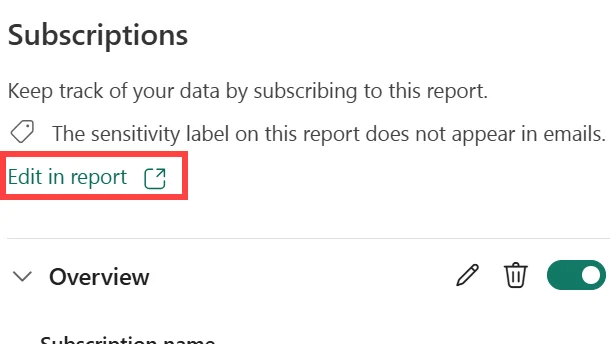
A sends a scheduled snapshot and link to a report or . Configure who receives it and when it should be delivered.
Data alert is value-driven
A watches a supported numeric dashboard and notifies the user when the refreshed value crosses a configured threshold.
| Need | Feature |
|---|---|
| Email this every Monday | |
| Notify me when exceeds a limit |
Know the trigger
Subscriptions run from a schedule. Alerts depend on data updates, so stale dashboard data cannot trigger a new threshold event.
Data alerts apply to supported dashboard tiles, not ordinary report visuals.
Exam clue: clock-based delivery = subscription; threshold-based notification = data alert.
Key points
- : scheduled email snapshot and link
- Others: require suitable license and
- : works on supported numeric
- Refresh: alerts evaluate when data updates
Click an underlined term for a one-line explanation, or see them all in the glossary .
Exam trap
monitor , not report visuals, and cannot trigger without refreshed data.
Sources · 2 Microsoft Learn pages Show ▾
- Email subscriptions for reports and dashboards in the Power BI service
- Set data alerts in the Power BI service
Checked on October 4, 2026. Report a problem
Go deeper on Microsoft Learn
- Email subscriptions for reports and dashboards in the Power BI service
- Set data alerts in the Power BI service
Checked against Microsoft Learn on October 4, 2026. Report a problem with this card