PL-300 · 1.3.3 · Prepare the data
Group and aggregate rows
Group and aggregate rows
collapses rows by key and applies aggregates or preserves detail with All Rows.
Group rows by a key
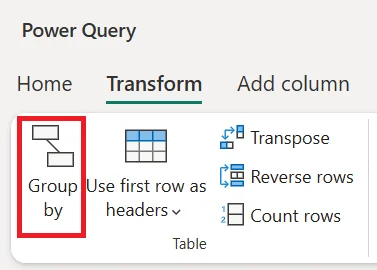
collapses many source rows into one result row per grouping key. Basic mode uses one grouping column and one operation; Advanced mode supports multiple keys and operations.
Aggregate or keep detail
Use Basic when one grouping key and one aggregate are enough. Use Advanced when you need multiple grouping keys or several aggregates. Choose All Rows when each group's original detail must stay available as a for a later step.
Grouping changes the result , so always check what one output row represents.
Exam clue: All Rows preserves grouped detail. It is not itself a summary calculation.
Key points
- Basic mode: one grouping column and aggregate
- Advanced mode: multiple grouping columns or aggregates
- All Rows: keeps group detail as a
- Column aggregates: summarize values such as Sum or Average
Click an underlined term for a one-line explanation, or see them all in the glossary .
Exam trap
All Rows preserves detail; it does not summarize until a later step uses the .
Sources · 1 Microsoft Learn page Show ▾
Checked on October 4, 2026. Report a problem
Go deeper on Microsoft Learn
Checked against Microsoft Learn on October 4, 2026. Report a problem with this card