PL-300 · 4.1.4 · Manage and secure Power BI
Create dashboards
Create dashboards
are service-only one-page canvases built from pinned report visuals or live pages.
Pin report content to a dashboard
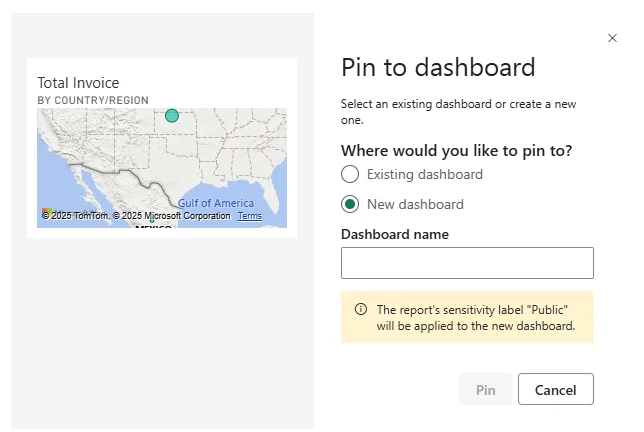
are created in the Power BI service, not in Desktop. Pin a report visual or a complete live report page to create .
One-page overview across sources
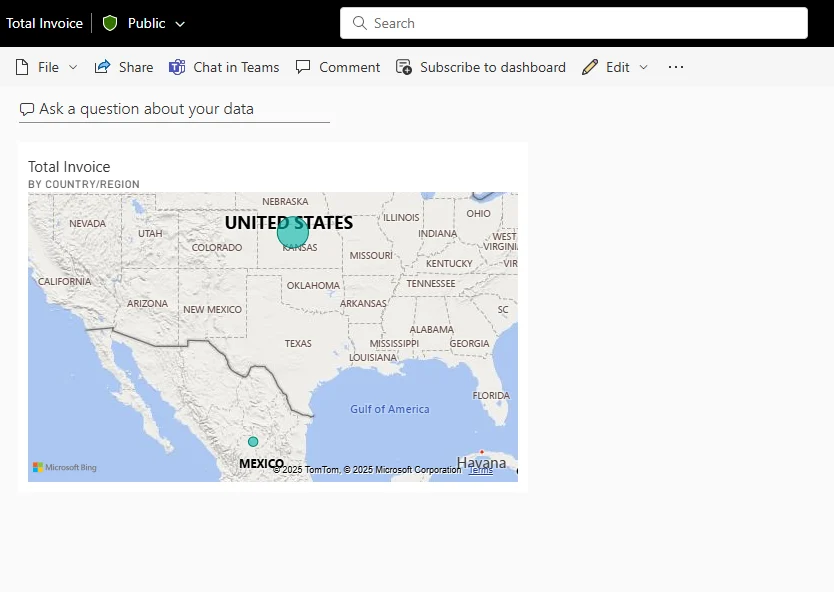
A dashboard is one canvas and can combine highlights from several reports or . That makes it useful as an at-a-glance landing page.
Tile and live page behave differently
A normal pinned visual becomes a dashboard tile and usually opens its source report when selected. Pinning a preserves more of the report page's interaction on the dashboard.
A dashboard is not just another report page: it is service-only, single-page, and tile-based.
Exam clue: one service-only overview built from pinned content = dashboard.
Key points
- Service only: are not created in Desktop
- : pin a visual or live report page
- Multiple sources: one dashboard can combine reports
- Tile selection: normally opens the source report
Click an underlined term for a one-line explanation, or see them all in the glossary .
Exam trap
A pinned visual does not automatically change type when its source report visual changes.
Sources · 3 Microsoft Learn pages Show ▾
- Intro to dashboards for Power BI designers
- Create a Power BI dashboard from a report
- Create or edit a dashboard tile
Checked on October 4, 2026. Report a problem
Go deeper on Microsoft Learn
- Intro to dashboards for Power BI designers
- Create a Power BI dashboard from a report
- Create or edit a dashboard tile
Checked against Microsoft Learn on October 4, 2026. Report a problem with this card