PL-300 · 2.3.1 · Model the data
Reduce rows and columns
Improve performance by identifying and removing unnecessary rows and columns
Remove unused rows and columns to shrink Import models and improve refresh and query performance.
Remove data the report cannot use
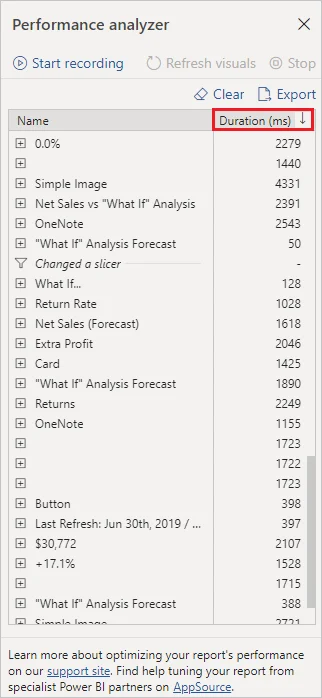
Import models perform best when they contain only data needed by visuals, , calculations, and security.
Reduce vertically and horizontally
| Technique | Removes | Example |
|---|---|---|
| Columns | Drop unused text attributes | |
| Rows | Keep only required years or entities |
Removing a wide unused column saves memory on every row. Filtering old history can remove millions of rows at once.
Reduce before tuning DAX
Data reduction changes the amount of work every later step must handle. It can improve refresh time, memory use, and query performance before you touch complex .
Do not remove columns used indirectly by relationships, sort-by settings, , or calculations.
Exam clue: large Import model plus unused fields or unnecessary history points to data reduction first.
Key points
- : remove unused columns
- : remove unnecessary rows
- Time filters: keep only required history
- Start lean: add fields when requirements appear
Click an underlined term for a one-line explanation, or see them all in the glossary .
Exam trap
Unused columns still consume memory and can slow calculations even when no visual displays them.
Sources · 1 Microsoft Learn page Show ▾
Checked on October 4, 2026. Report a problem
Go deeper on Microsoft Learn
Checked against Microsoft Learn on October 4, 2026. Report a problem with this card