PL-300 · 1.1.4 · Prepare the data
Query parameters
Create and modify parameters
store reusable values that queries and can reference.
Reuse one value
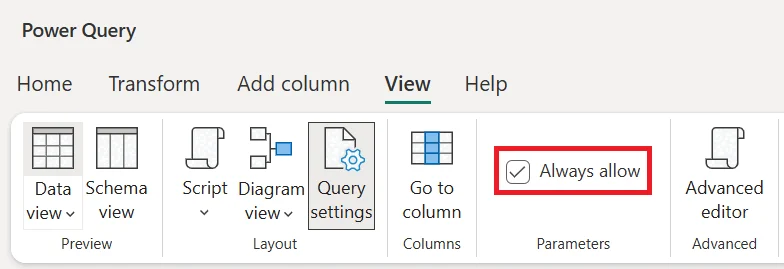
A stores one named value that multiple query steps or can reuse. Change its Current Value once and every reference uses the new value.
Use parameters inside transformations
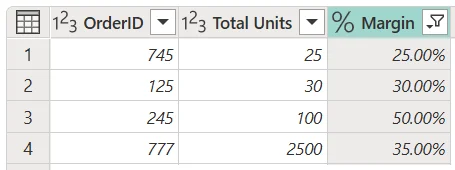
Parameters work well for server names, file paths, dates, thresholds, and custom function inputs. They remove repeated hard-coded values and make one query design reusable across environments or scenarios.
Current Value versus Suggested Values
Current Value is what the query actually uses. Suggested Values only control what choices the editor offers. Suggested values can come from a fixed list or another query depending on the environment.
Parameters can also be referenced by custom functions so the same transformation logic runs with different inputs.
Exam clue: value must change once and affect several query steps = parameter.
Key points
- Create: use Manage or Convert to Parameter
- Current Value: value transformations actually use
- Suggested Values: limits the selection list
- List parameters: Online only
Click an underlined term for a one-line explanation, or see them all in the glossary .
Exam trap
Suggested or default values do not replace Current Value, which is what query steps use.
Go deeper on Microsoft Learn
Checked against Microsoft Learn on October 4, 2026. Report a problem with this card