PL-300 · 4.1.1 · Manage and secure Power BI
Create and configure a workspace
Create and configure a workspace
are service-side collaboration areas for building and managing Power BI content.
Workspaces are managed in the service
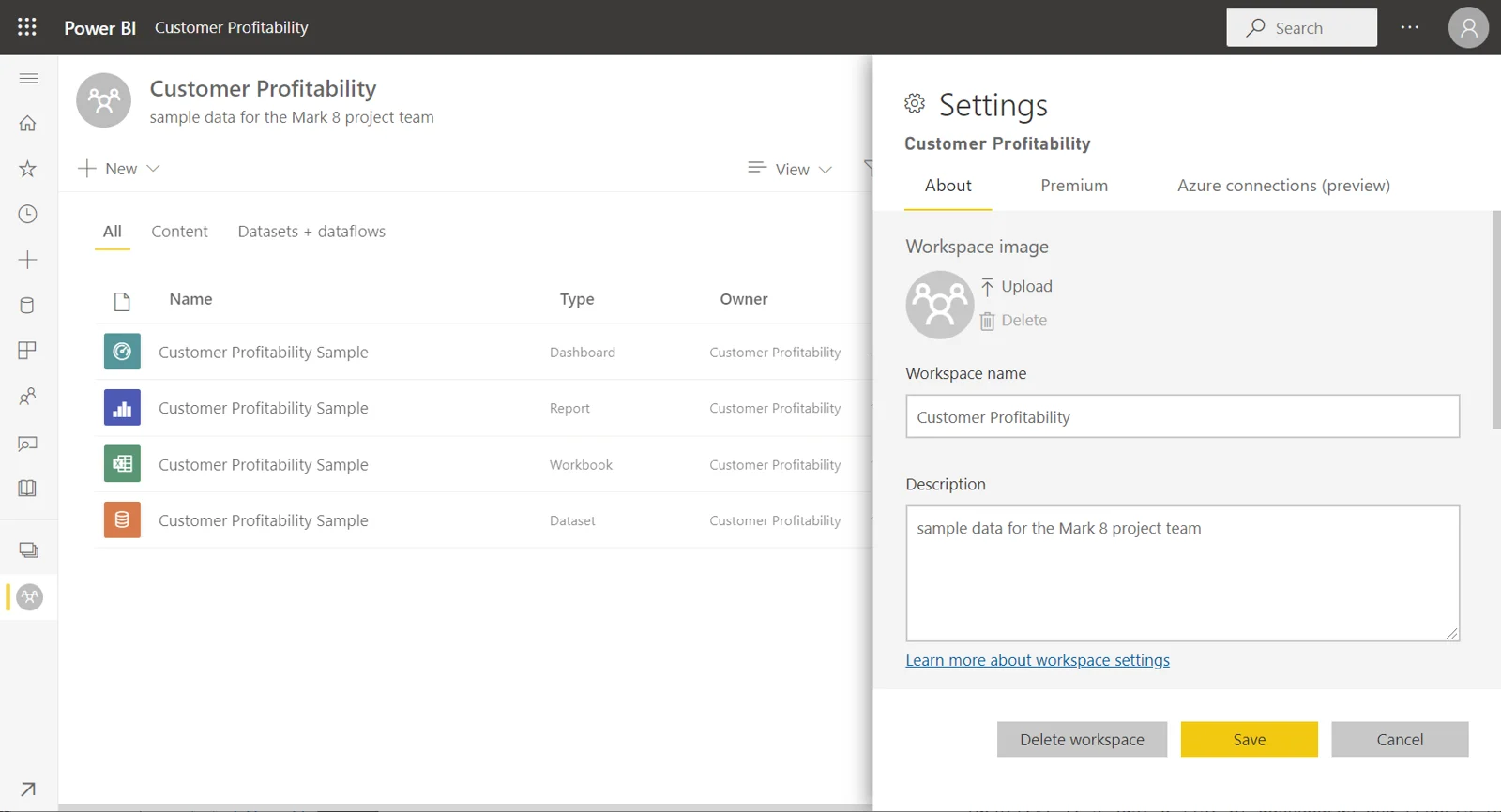
A is the collaboration container for reports, , , apps, and other Fabric or Power BI items.
Configure collaboration deliberately
control who can manage, create, edit, or only view content. Use the to identify support contacts for the workspace and its content.
A setting links a 's file library for convenience, but it does not grant access to the Power BI workspace itself.
Workspace is not the distribution experience
Authors collaborate in a workspace. Consumers often receive selected content through sharing or an app instead of becoming workspace members.
Publish from Power BI Desktop to the intended workspace, then and downstream distribution in the service.
Exam clue: collaboration container = workspace; curated broad consumption = app.
Key points
- Create : use the Power BI service
- Roles: control who can or manage content
- : identifies workspace support contacts
- : does not grant workspace access
Click an underlined term for a one-line explanation, or see them all in the glossary .
Exam trap
membership does not automatically grant access to the associated Power BI .
Sources · 2 Microsoft Learn pages Show ▾
Checked on October 4, 2026. Report a problem
Go deeper on Microsoft Learn
Checked against Microsoft Learn on October 4, 2026. Report a problem with this card