PL-300 · 3.1.10 · Visualize and analyze the data
When to use paginated reports
Choose when to use a paginated report
Use for fixed printable layouts; use Power BI reports for interactive exploration.
Interactive or print-perfect?
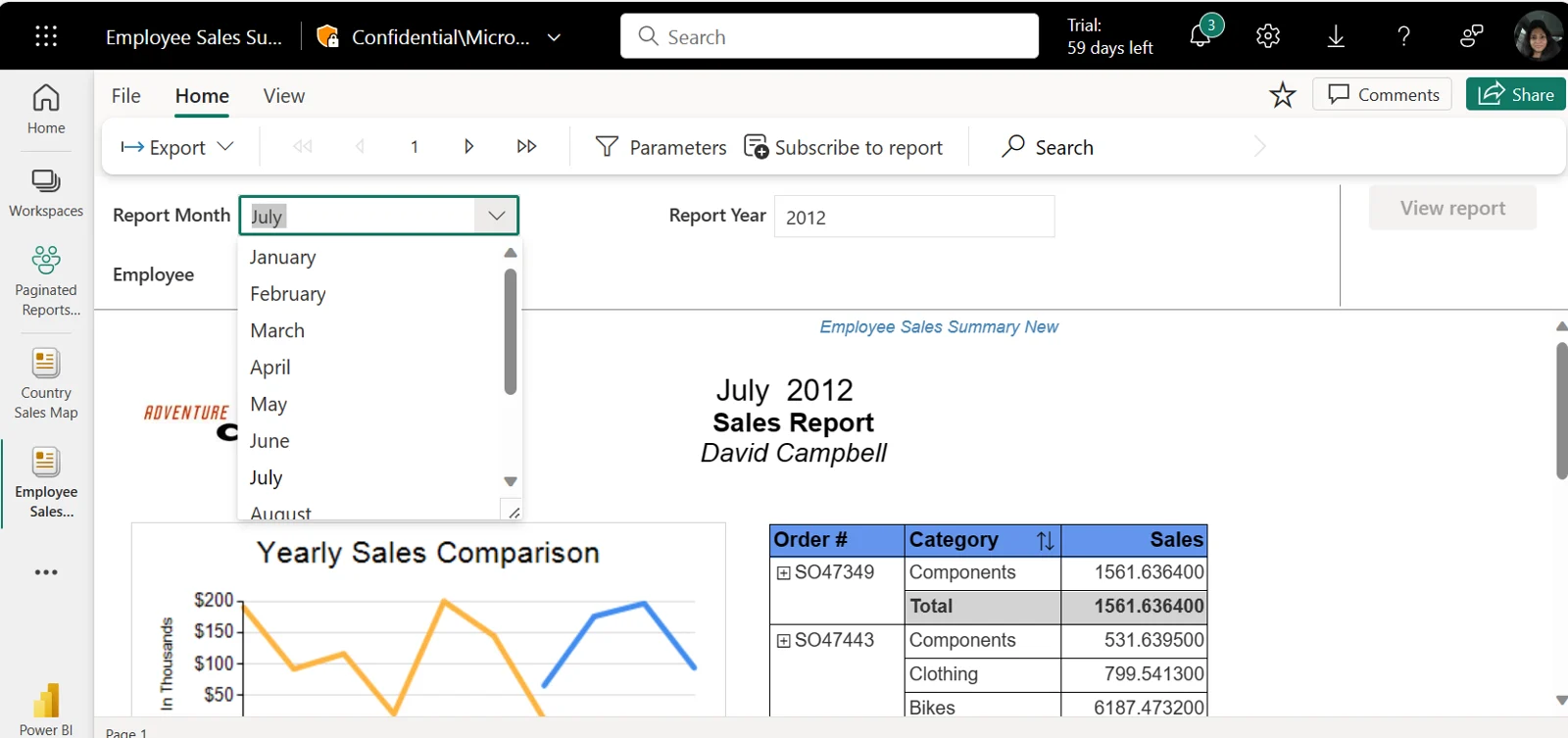
are designed for exact page boundaries, repeated headers, long tables, and predictable print or PDF output. Standard Power BI reports are designed for interaction, filtering, drill, and visual exploration.
Match the report to the requirement
| Requirement | Better fit |
|---|---|
| Invoice, statement, printable form | |
| Thousands of detail rows across pages | Paginated report |
| Interactive or exploratory analysis | Power BI report |
| and drill between visuals | Power BI report |
Authoring and format
Paginated reports are authored in and stored as . Existing SSRS-style RDL content can therefore fit naturally into the paginated model.
The key tradeoff is fixed layout versus interactive exploration. A paginated report can still use , but its primary strength is controlled page output rather than a free-form analytical canvas.
Exam clue: exact printable output or every detail row across pages points to paginated reporting.
Key points
- Paginated: precise page layout and printing
- Power BI report: interactive exploration
- : authors
- : existing SSRS reports can migrate
Click an underlined term for a one-line explanation, or see them all in the glossary .
Exam trap
Good PDF export alone does not make suitable for interactive self-service analysis.
Sources · 2 Microsoft Learn pages Show ▾
Checked on October 4, 2026. Report a problem
Go deeper on Microsoft Learn
Checked against Microsoft Learn on October 4, 2026. Report a problem with this card