PL-300 · 2.3.3 · Model the data
Reduce granularity
Improve performance by reducing granularity
Aggregating fact data to a coarser reduces model size but permanently removes lower-level detail.
Fewer rows by storing less detail
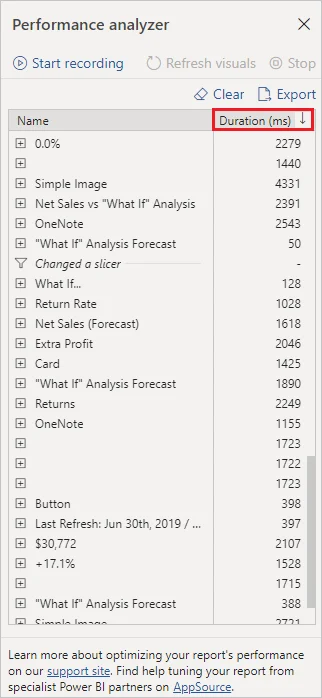
Reducing means loading a coarser fact grain. Daily or transaction-level rows might become weekly, monthly, or customer-level summaries.
Choose the coarsest useful grain
| User question | Required |
|---|---|
| Monthly revenue trend | Monthly may be enough |
| Find a specific | Order-line detail is required |
| Compare yearly totals | Yearly may be enough |
Every step upward in grain reduces rows but permanently removes lower-level detail.
Know the tradeoff
A smaller aggregated Import table can answer summary questions quickly. If users also need detail, keep a detail path elsewhere, for example through or another detailed model design.
Aggregation is different from hiding detail in a visual: once the rows were never loaded, the report cannot recover them.
Exam clue: performance versus required analytical detail is the decision.
Key points
- Coarser : fewer model rows
- Grouping: summarize before loading
- Tradeoff: lower-level detail disappears
- Hybrid approach: summarized Import plus detailed
Click an underlined term for a one-line explanation, or see them all in the glossary .
Exam trap
Once detail is aggregated away before loading, visuals cannot recover that lower-level data from the table.
Sources · 1 Microsoft Learn page Show ▾
Checked on October 4, 2026. Report a problem
Go deeper on Microsoft Learn
Checked against Microsoft Learn on October 4, 2026. Report a problem with this card