PL-300 · 1.3.8 · Prepare the data
Merge and append queries
Merge and append queries
joins columns by keys; stacks rows and aligns columns by name.
Merge adds columns
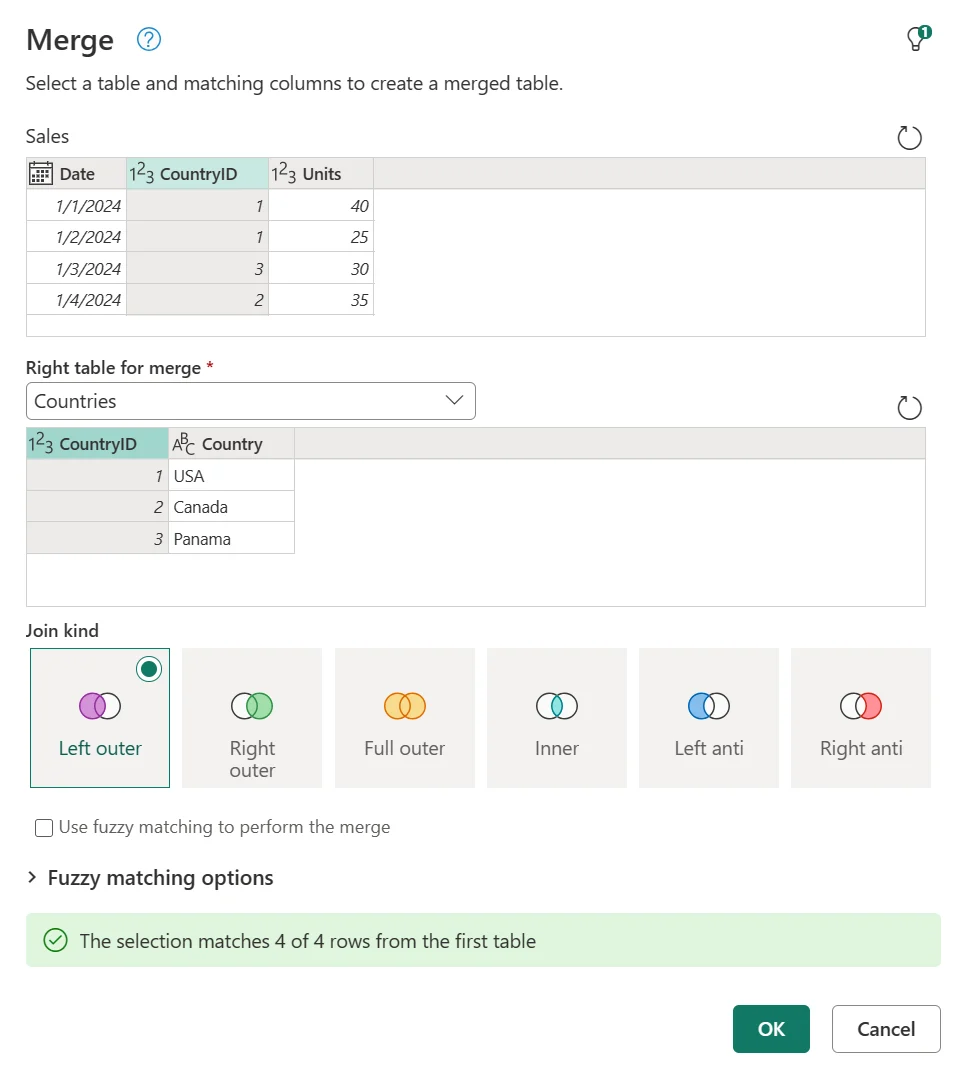
matches key columns between two tables and brings related data side by side. The decides which matched or unmatched rows survive, and the result usually contains a column that you expand.
Append adds rows
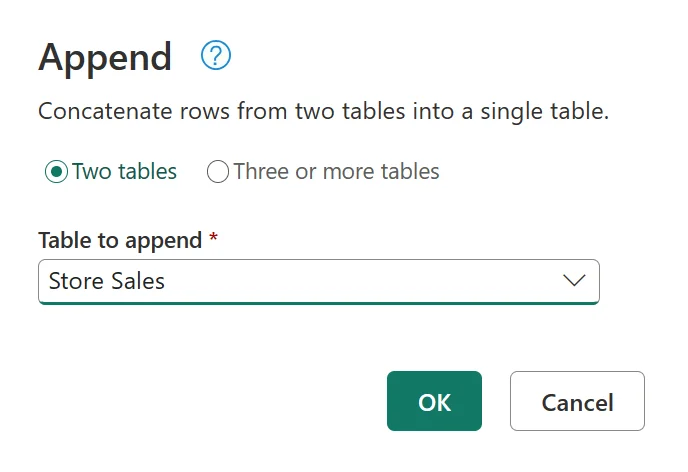
concatenates table rows and aligns fields by column name. It is a natural fit for monthly, regional, or channel tables with the same logical schema.
Think in table shape
Merge makes a table wider by matching keys and adding related columns. Append makes a table longer by stacking rows and aligning columns by name.
For merge questions, also inspect which unmatched rows must survive because that determines the join kind. For append questions, inspect whether the input tables represent the same kind of rows.
Exam clue: side by side = merge. Stacked vertically = append.
Key points
- : joins tables side by side
- : controls which rows survive
- Merge result: expand the column
- : stacks rows and aligns matching headers
Click an underlined term for a one-line explanation, or see them all in the glossary .
Exam trap
keeps only unmatched left rows; keeps every left row.
Sources · 2 Microsoft Learn pages Show ▾
Checked on October 4, 2026. Report a problem
Go deeper on Microsoft Learn
Checked against Microsoft Learn on October 4, 2026. Report a problem with this card