PL-300 · 3.1.2 · Visualize and analyze the data
Formatting and configuring visuals
Format and configure visuals
Visual formatting overrides theme defaults until you reset the affected visual settings.
Format the selected visual
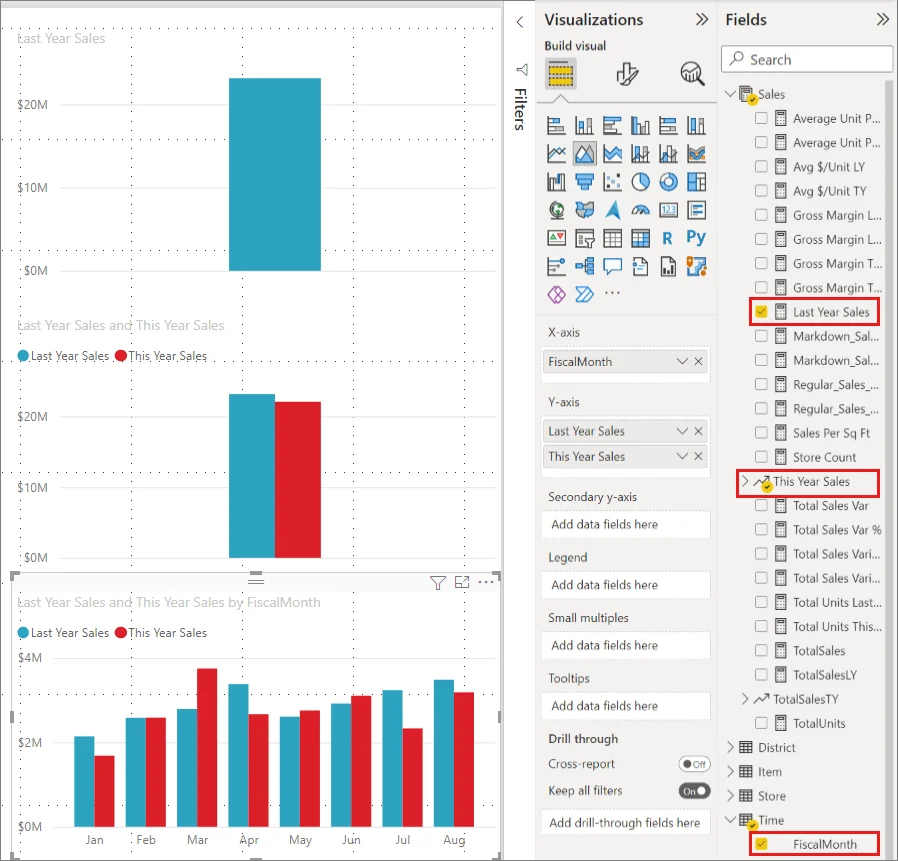
The exposes options supported by the selected visual, such as titles, axes, labels, colors, borders, backgrounds, and visual-specific settings.
Format at the right level
Some settings apply to the whole visual; others target one series, category, or element through Apply settings to. can expose individual values, while summarize a stack or combined result.
Theme versus direct formatting
A supplies defaults. Direct formatting on one visual overrides those defaults. Resetting a section returns only that section to theme control; resetting the entire visual can also remove conditional or data-bound formatting.
Use direct formatting for exceptions, not to recreate the same design manually across every visual.
Exam clue: one visual needs a special treatment = Format pane; consistent defaults across the report = theme.
Key points
- : options depend on visual type
- Apply settings to: targets one series or element
- Labels: show values or totals
- Reset: returns formatting control to the theme
Click an underlined term for a one-line explanation, or see them all in the glossary .
Exam trap
Resetting the whole visual can also remove and other data-bound settings.
Sources · 2 Microsoft Learn pages Show ▾
Checked on October 4, 2026. Report a problem
Go deeper on Microsoft Learn
Checked against Microsoft Learn on October 4, 2026. Report a problem with this card